Products
Our products
Products we design, build and maintain. Try them right here.
The demos are interactive recreations.
TalAIot
AI exam supervision.
Every student in view. The decision, always the teacher’s.
The problem
In an exam, one teacher watches about thirty students and can’t see the whole room at once. With phones, smartwatches and AI tools, cheating is getting easier to hide.
What it does
Several cameras cover the classroom, and an AI points out, in real time, which student is worth a look. The AI points; the teacher decides.
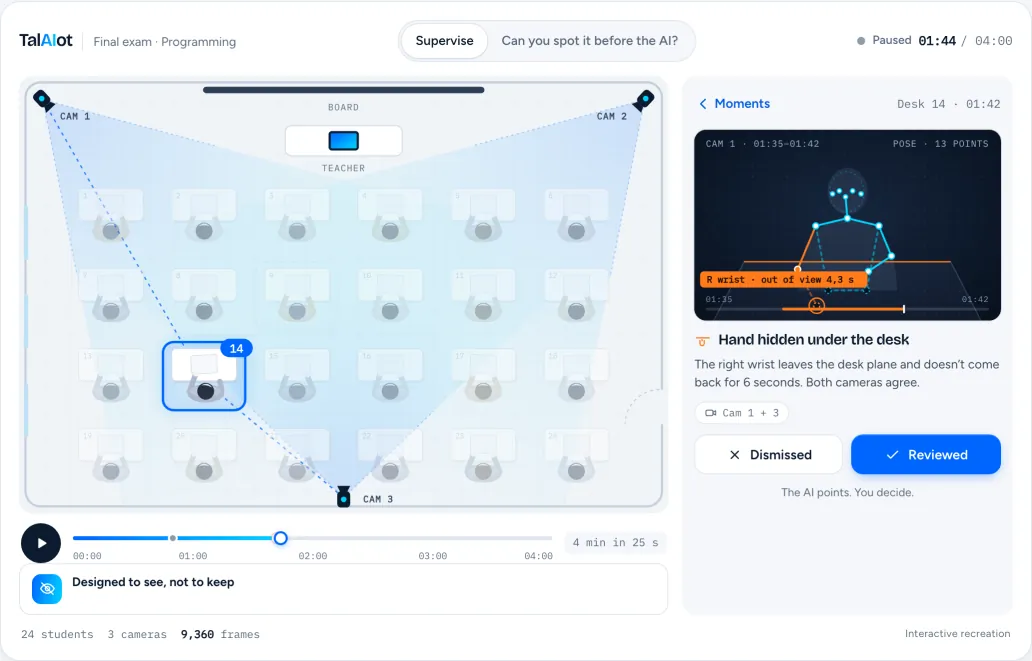
To save data, the demo only loads when you ask for it.
- Pilot
- Escola Fleming (Palma), during the June 2026 exams.
- How it sees
- Computer vision with several cameras: posture, hands and objects.
- Privacy
- Built to see, not to store.
AnyAction
File tools in Finder’s right-click.
Everyday file chores, in Finder’s right-click.
The problem
Converting a video, merging two PDFs or removing a photo’s background usually ends up on a website full of ads. And private files end up on a server you don’t know.
What it does
You right-click a file, choose AnyAction, and only the tools that fit that file appear. Everything is processed on your Mac.
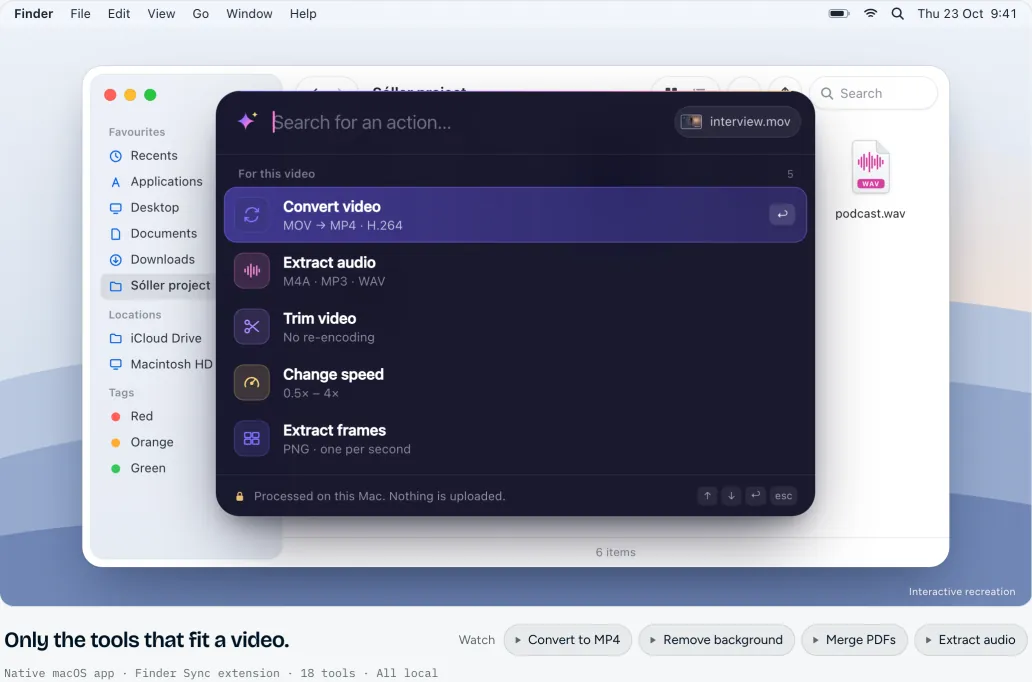
To save data, the demo only loads when you ask for it.
- Native
- Written in Swift and SwiftUI, with an extension integrated into Finder.
- Local
- Files never leave the Mac. Nothing is uploaded.
- Tools
- 18 tools for video, audio, images, PDF, text and archives.
AnyAction has been on its users’ Macs since 2026.anyaction.app (external link)
Cafe for Mac
Keeps your Mac awake from the menu bar.
A small menu-bar app that keeps your Mac from going to sleep, for as long as you choose.
It’s free. We ask for an email address to send you the download link.
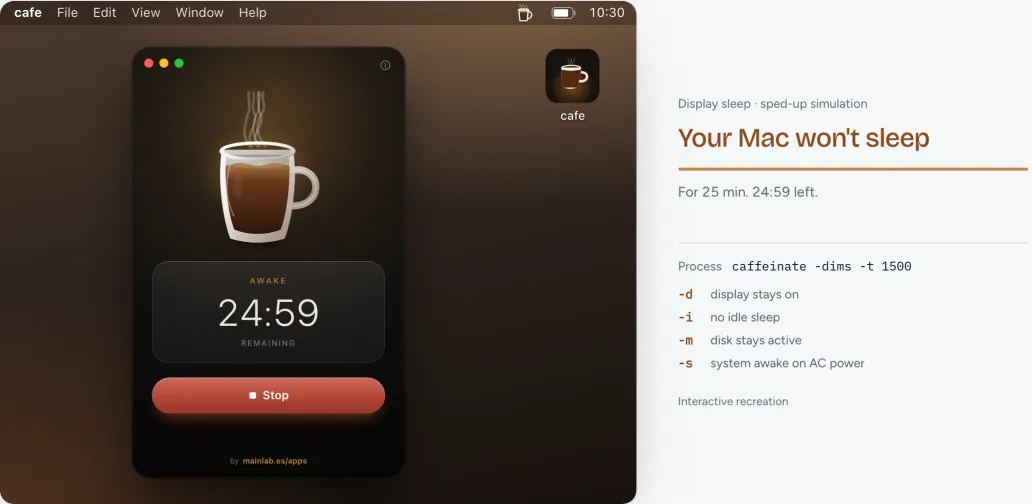
To save data, the demo only loads when you ask for it.
Tools
Smaller projects, also our own.
SoftCatalà for VS Code
Catalan spell and grammar checker for VS Code, with Valencian and Balearic variants.
Agenda Main
Multi-user web agenda, with an optional Claude connection.
ConnectAI
A temporary channel for two AI agents to work together.
ActionRouter
Open-source Swift library that understands what the user wants to do, without leaving the device. It powers AnyAction’s search.
Want something like this for your company?
We also build custom software for companies: management apps, websites, Mac apps and applied AI.